Create faceless videos
on autopilot.
Describe your channel once. Video Auto writes the week's scripts, illustrates and narrates every episode, and posts them to YouTube, TikTok and Instagram on your schedule — while you keep the final edit on every frame.
Four doors into the same studio.
A YouTube link
We study a competing video, then write and shoot an original take on the topic.
CreateA topic
One line in. We write a retention-focused script and turn it into a finished video.
CreateYour script
Your words, used verbatim. We storyboard every line, narrate it, and cut it.
CreateYour own voice
Upload or record audio. Your voice stays as the soundtrack while we build the visuals.
CreateOne word becomes full art direction.
Every frame below came out of the product. Choose a theme and we expand it into detailed art direction, applied consistently to your whole video.



















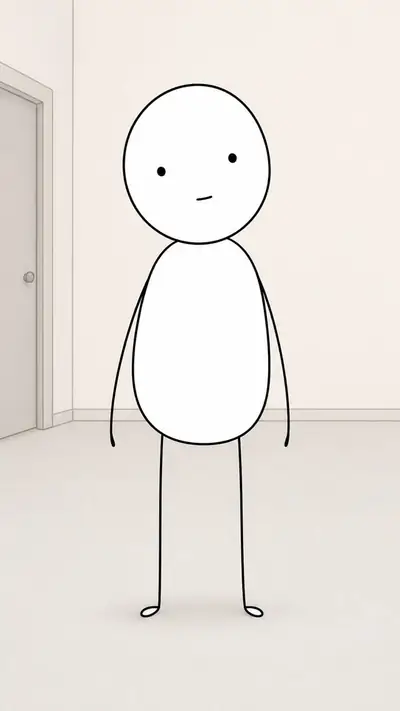

Every ~4 seconds is one illustrated scene.
Your narration is split into short scenes. Each gets its own image in your theme, brought to life with cinematic motion and locked to the voice. That's the video.
 0:00
0:00 0:05
0:05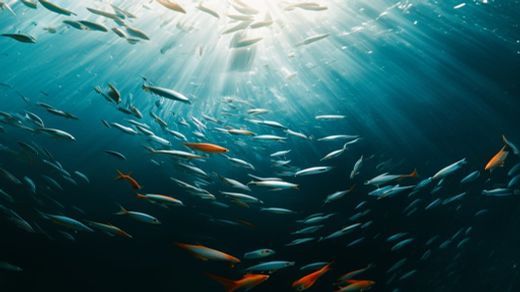 0:10
0:10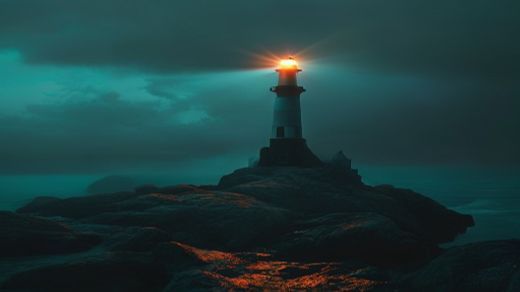 0:15
0:15Describe the channel
What it's about, how often it posts, and which accounts it posts to. Or make a single video from a topic, a script, a YouTube link or your own voice.
Read the week ahead
Every script for the coming week is written days early, so you can read it, rewrite it, or skip a day — before a single credit goes on pictures.
It makes and posts itself
Each video is built 24 hours before its slot and published at the minute you chose. Edit any frame right up until it goes out.
A channel that runs itself, without running away from you.
Automation people trust is automation they can stop. Every stage of a series is visible days before it happens, and nothing is final until it's posted.
The week, written early
Scripts land days ahead — read them, rewrite them, skip one. Rendering only starts 24 hours before a slot.
Straight to your accounts
YouTube, TikTok and Instagram. Connect more than one account per platform and send each series to exactly the right channel.
Quality you choose
Economy for volume, Standard for everyday, HD when the picture is the point — sharper frames and our most expressive narrator — plus an animated opening shot.
Still your edit
Reshoot a frame, re-record a line, change the music or the captions. Scheduled doesn't mean untouchable.
Don't like a frame?
Reshoot it.
Every scene stays editable after the render. Reshoot it with AI, steer it with a custom prompt, or swap in your own image or a five-second clip.
 SC 03 · AI
A whole channel for less than one freelance minute.
An editor charges $50 to $150 for a single finished minute, and takes days over it. A month of three-a-week episodes here — written, illustrated, narrated, posted — costs less than one of those minutes.
One credit, the whole studio.
- Videos up to 30 minutes
- From a single line to a full-length video, you set the runtime
- Edit any scene after
- Reshoot a frame, drop in your own image or clip, swap stock, or re-voice it
- Captions burned in
- Six styles, timed to the narration, ready to post with the sound off
- Background music
- Six moods built in, ducked under the voice or upload your own track
- Real human voices
- American, African, British and many more accents
- 21 visual styles
- Cinematic, anime, Pixar-style 3D, cyberpunk, comic, pixel art & more
- AI images or real stock footage
- Generate every scene, or pull real stock clips
- 16:9, 9:16 and 1:1
- Widescreen for YouTube, vertical for Shorts/Reels/TikTok, square for feeds
- Thumbnail, title & description
- A ready-to-post package generated from your script
The same money, a lot more videos.
Most faceless tools sell a dozen or two videos a month. Our $20 plan makes 100. Here's the like-for-like — including what each of them does better than us.
The things people ask first.
What do I actually give it to make a video?
One of four things: a one-line topic, a script you've already written, a YouTube link to a video on the subject, or an audio recording of your own voice. From a topic, Video Auto writes the script, splits it into scenes, illustrates each one, narrates it and cuts it together. With your own audio, your voice stays as the soundtrack and only the visuals get built.
How much does a video cost?
Plans are priced by how many videos they make. $6 a month gets you about 30 one-minute videos, $10 gets 50, $20 gets 100 and $50 gets 260 — or roughly two-thirds more again if you use real stock footage instead of AI images. New accounts get 25 free credits with no card required. Commissioning a single finished minute from a freelance editor runs $50 to $150.
Can I change something after the video is made?
Yes. Every scene stays editable after the render. You can reshoot any frame, steer it with your own prompt, swap in your own image or a five-second clip, search for a different stock clip, change the narrator or restyle the captions. The video re-cuts itself around the change.
Will an AI-made video get my YouTube channel demonetised?
YouTube's inauthentic-content policy targets mass-produced, low-effort uploads — near-identical thumbnails and titles, several long videos a day, no human judgement anywhere in the process — not the use of AI tools. Channels that choose topics deliberately, vary their packaging and mix real footage in alongside generated visuals are not what the policy is aimed at.
What formats and lengths can it make?
16:9 widescreen for YouTube, 9:16 vertical for Shorts, Reels and TikTok, and 1:1 square for feeds, at the same price for every ratio. Videos can run up to 30 minutes.
Whose voice narrates it?
You pick from a searchable catalogue of real-sounding AI narrators, including American, British, Nigerian, Kenyan and South African accents, and you can preview any of them before committing. You can also record or upload your own voice and have Video Auto build the visuals around it.
Do the videos have a watermark?
No. Videos download as standard MP4 files, ready to upload anywhere.
How do I pay if I'm not in the US or Europe?
Payments run through Flutterwave and Whop, so African cards and mobile money work alongside international cards.
Make your first video.
Sign up free and get 25 credits to try it. No card required to start.
Register